~3 min
 Start Playing
Follow these steps to install Minecraft, add Minepixel, and authorize your account.
1. Minecraft downloading
If you don't have Minecraft, download the Minecraft TLauncher.
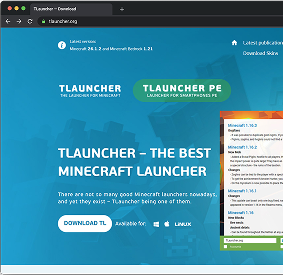
Click "Download"
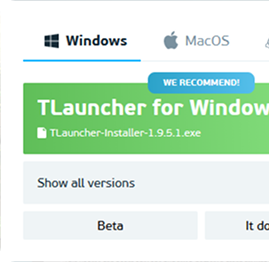
Save the file and run the installer
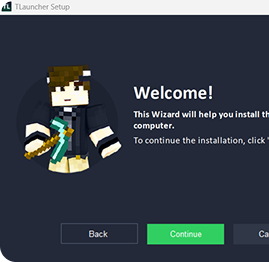
Follow the steps of the installer
2. Installation and launch
Launch the launcher, enter your login, select the version of Minecraft, and install it.
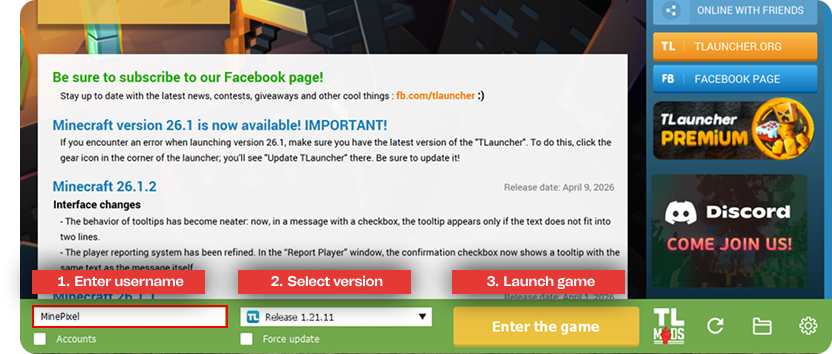
3. Adding a server
In Minecraft, open "Multiplayer", click "Add Server", and paste the server address.
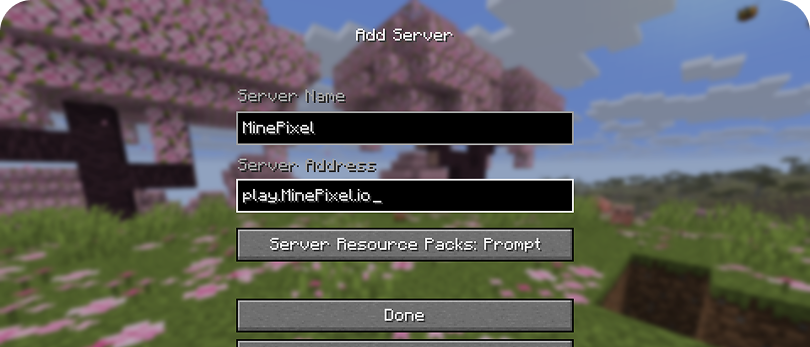
4. Server authorization
Once you join the server, you need to authorize your account.
If this is your first time:
Use the command to create your account. Make sure to remember or write down your password, you will need it every time you log in.
If you're prompted to log in for the first time, it indicates that your chosen nickname is already in use by another player.
Just modify your nickname in the launcher and attempt to join again.
For returning players:
Use the command or to access your account.